> ## Documentation Index
> Fetch the complete documentation index at: https://www.checklyhq.com/docs/llms.txt
> Use this file to discover all available pages before exploring further.
# TCP Monitors Overview
> Monitor the availability and performance of your TCP services.
**Monitoring as Code**: Learn more about the [TCP Monitor Construct](/docs/constructs/tcp-monitor).
## What are TCP Monitors?
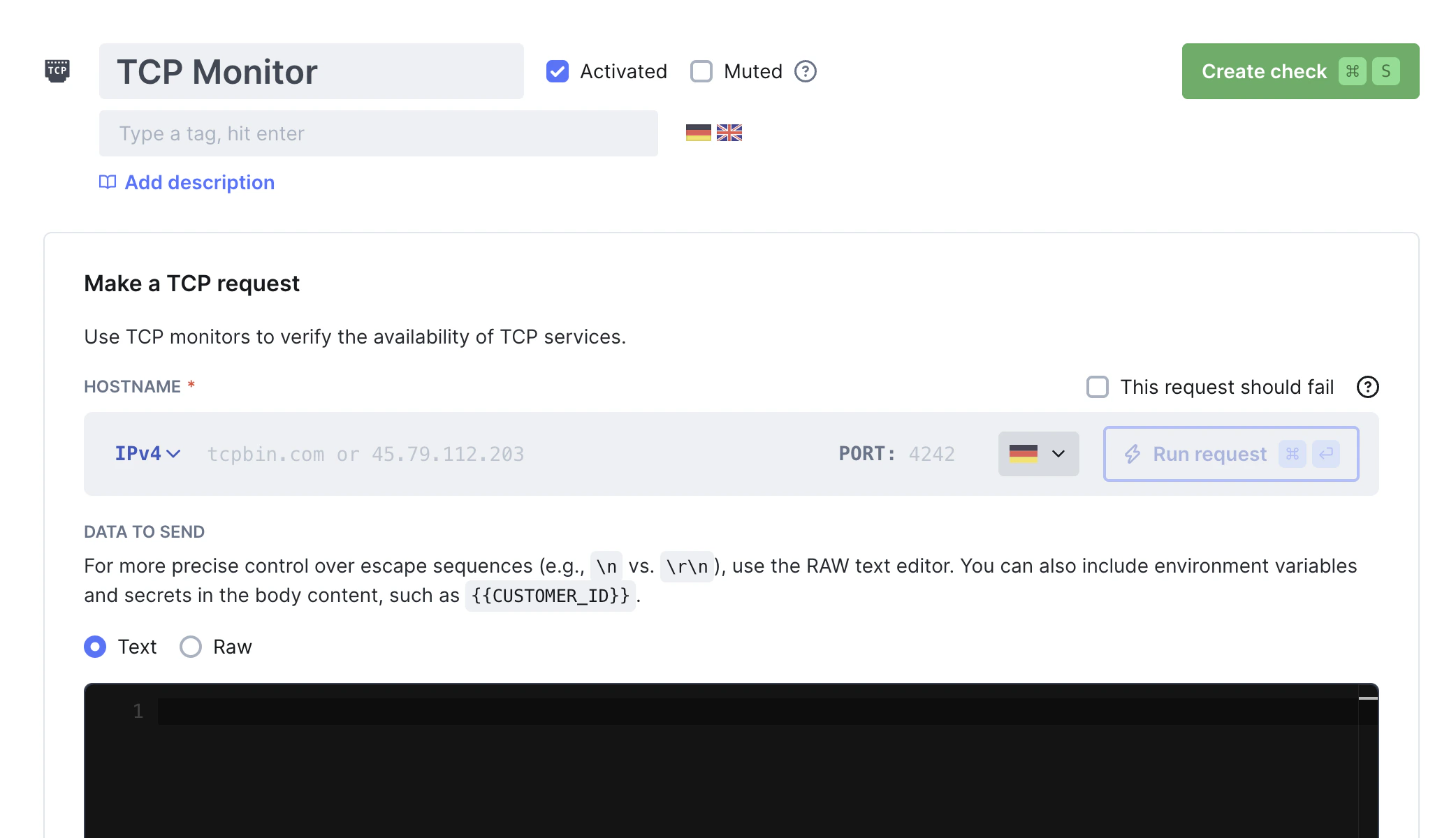
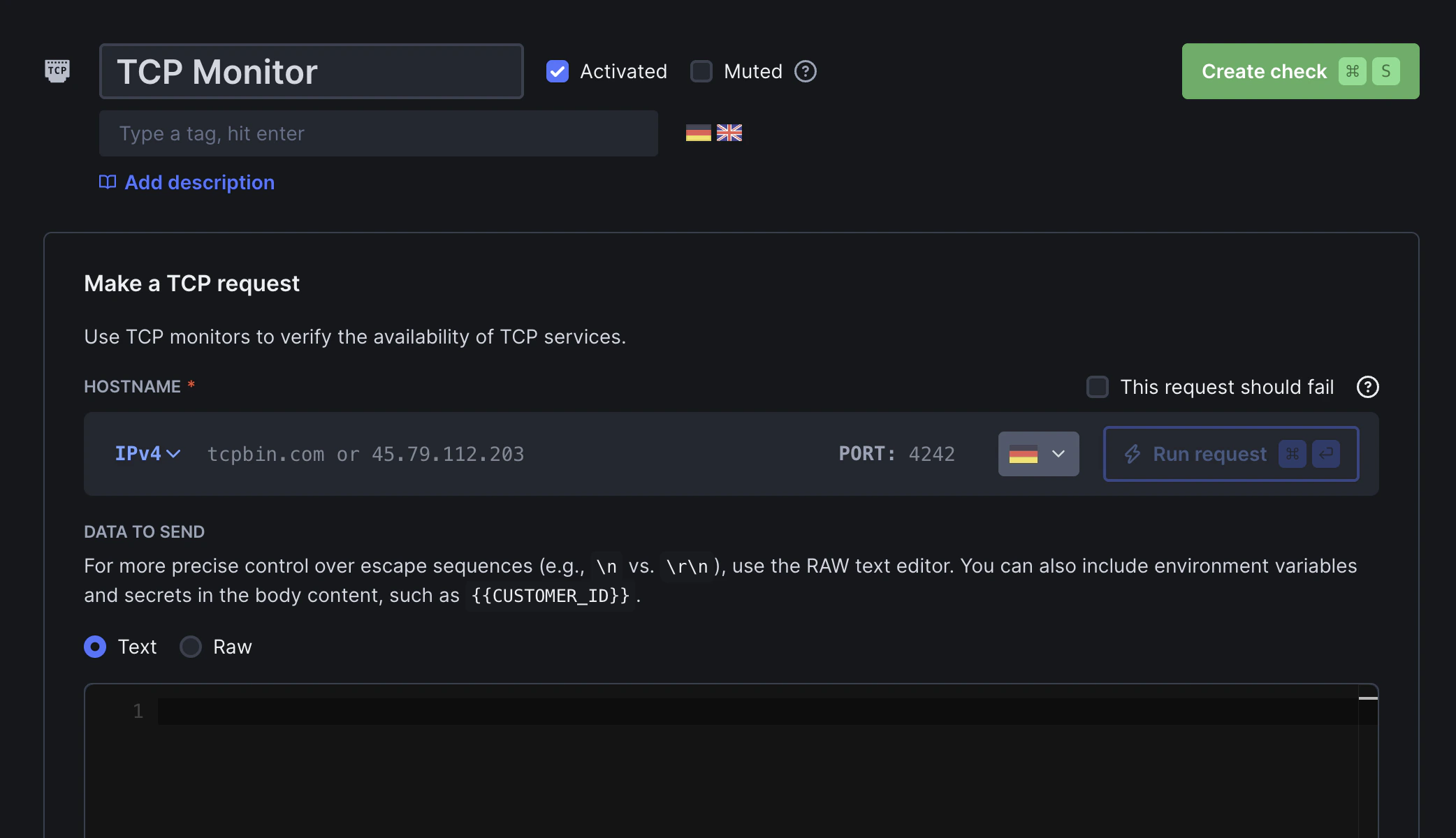
Use TCP monitors to verify that your non-HTTP services are working as expected. TCP monitors work by establishing a connection to a host and port, then checking the speed and validity of the response.
For example, use these checks to verify that:
* Your mail server is online and responds to IMAPS requests quickly
* Your FTP server responds correctly to commands
* Your custom TCP-based service returns the expected response when sent a health check message
 ## How TCP Monitoring Works
TCP monitors perform connection-level checks:
1. **Connection Attempt** - Establishes a TCP connection to your service
2. **Port Verification** - Confirms the service is listening on the specified port
3. **Response Validation** - Optionally validates service responses based on your configured assertions
## TCP Monitor Results
Select a specific check run to review its results:
## How TCP Monitoring Works
TCP monitors perform connection-level checks:
1. **Connection Attempt** - Establishes a TCP connection to your service
2. **Port Verification** - Confirms the service is listening on the specified port
3. **Response Validation** - Optionally validates service responses based on your configured assertions
## TCP Monitor Results
Select a specific check run to review its results:
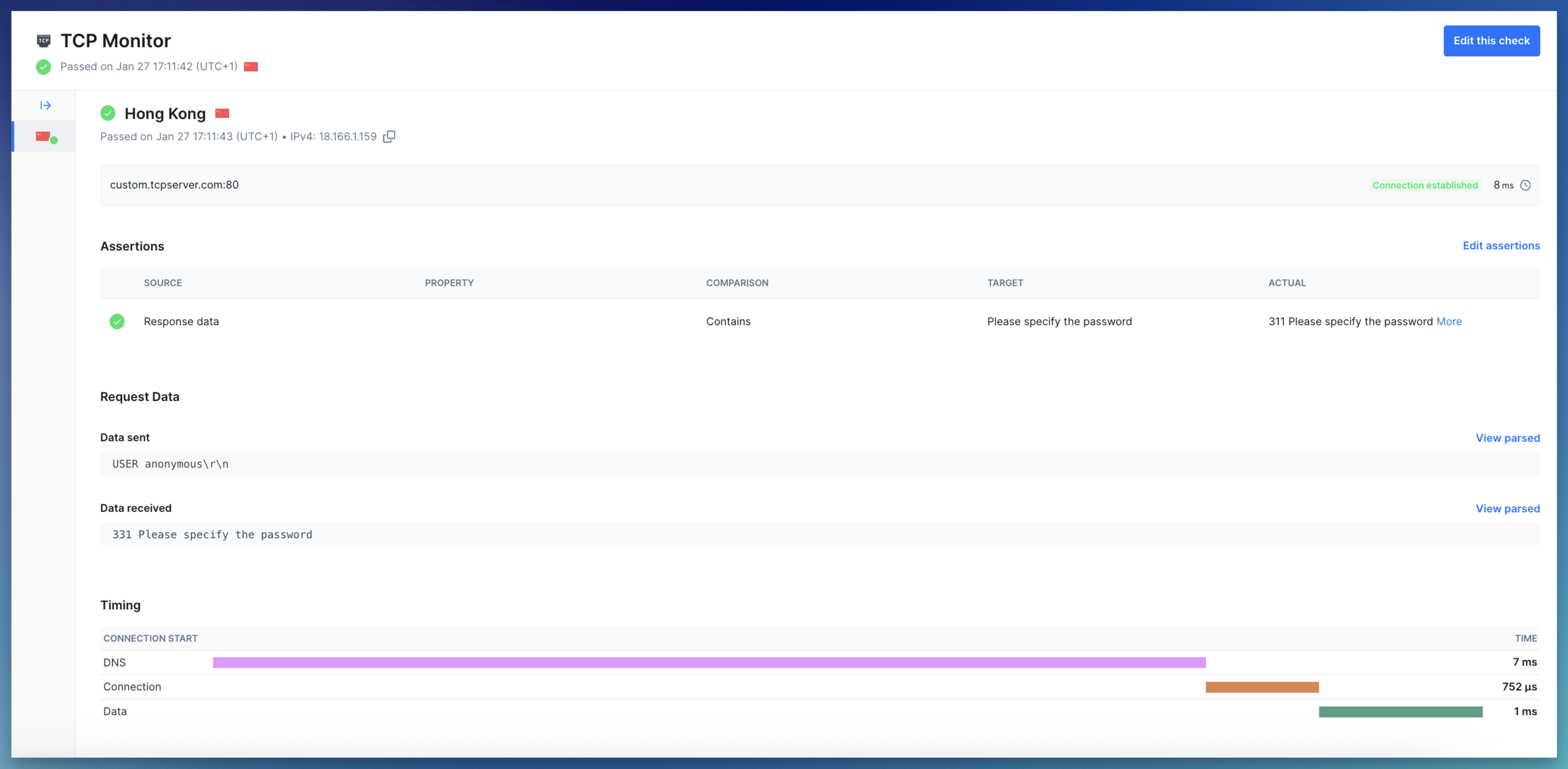 * **Summary:** Displays the monitor target (hostname and port), the monitor state (`success` for passed and degraded runs, or `error` for failed runs), the request status code and the total check run duration
* **Error details:** If the check failed, the error status code and message log will be shown
* **Request data:** If a payload was sent, it is shown alongside the response received from the server
* **Timing phases:** For each request, we capture the following timing metrics:
* DNS: Time taken to resolve the hostname to an IP address (if a hostname was provided)
* Connect: Time taken to establish the TCP connection (SYN, SYN-ACK, ACK)
* Data: Time taken to send the payload and receive the response data
Learn more in our documentation on [Results](/docs/concepts/results).
## Troubleshooting
TCP monitors to port 25 (SMTP) may fail with a SOCKET\_TIMEOUT error from some Checkly locations.
This happens because [AWS blocks outbound traffic on port 25 by default to prevent spam](https://docs.aws.amazon.com/AWSEC2/latest/UserGuide/ec2-resource-limits.html#port-25-throttle). Some Checkly public locations run on AWS, so connections to port 25 cannot be established from those regions.
**Workarounds:**
* Run the check from a [Private Location](/docs/platform/private-locations/overview) where port 25 is allowed
* Use an alternative SMTP port such as 587 or 465 if supported
* **Summary:** Displays the monitor target (hostname and port), the monitor state (`success` for passed and degraded runs, or `error` for failed runs), the request status code and the total check run duration
* **Error details:** If the check failed, the error status code and message log will be shown
* **Request data:** If a payload was sent, it is shown alongside the response received from the server
* **Timing phases:** For each request, we capture the following timing metrics:
* DNS: Time taken to resolve the hostname to an IP address (if a hostname was provided)
* Connect: Time taken to establish the TCP connection (SYN, SYN-ACK, ACK)
* Data: Time taken to send the payload and receive the response data
Learn more in our documentation on [Results](/docs/concepts/results).
## Troubleshooting
TCP monitors to port 25 (SMTP) may fail with a SOCKET\_TIMEOUT error from some Checkly locations.
This happens because [AWS blocks outbound traffic on port 25 by default to prevent spam](https://docs.aws.amazon.com/AWSEC2/latest/UserGuide/ec2-resource-limits.html#port-25-throttle). Some Checkly public locations run on AWS, so connections to port 25 cannot be established from those regions.
**Workarounds:**
* Run the check from a [Private Location](/docs/platform/private-locations/overview) where port 25 is allowed
* Use an alternative SMTP port such as 587 or 465 if supported