

What are API Checks?
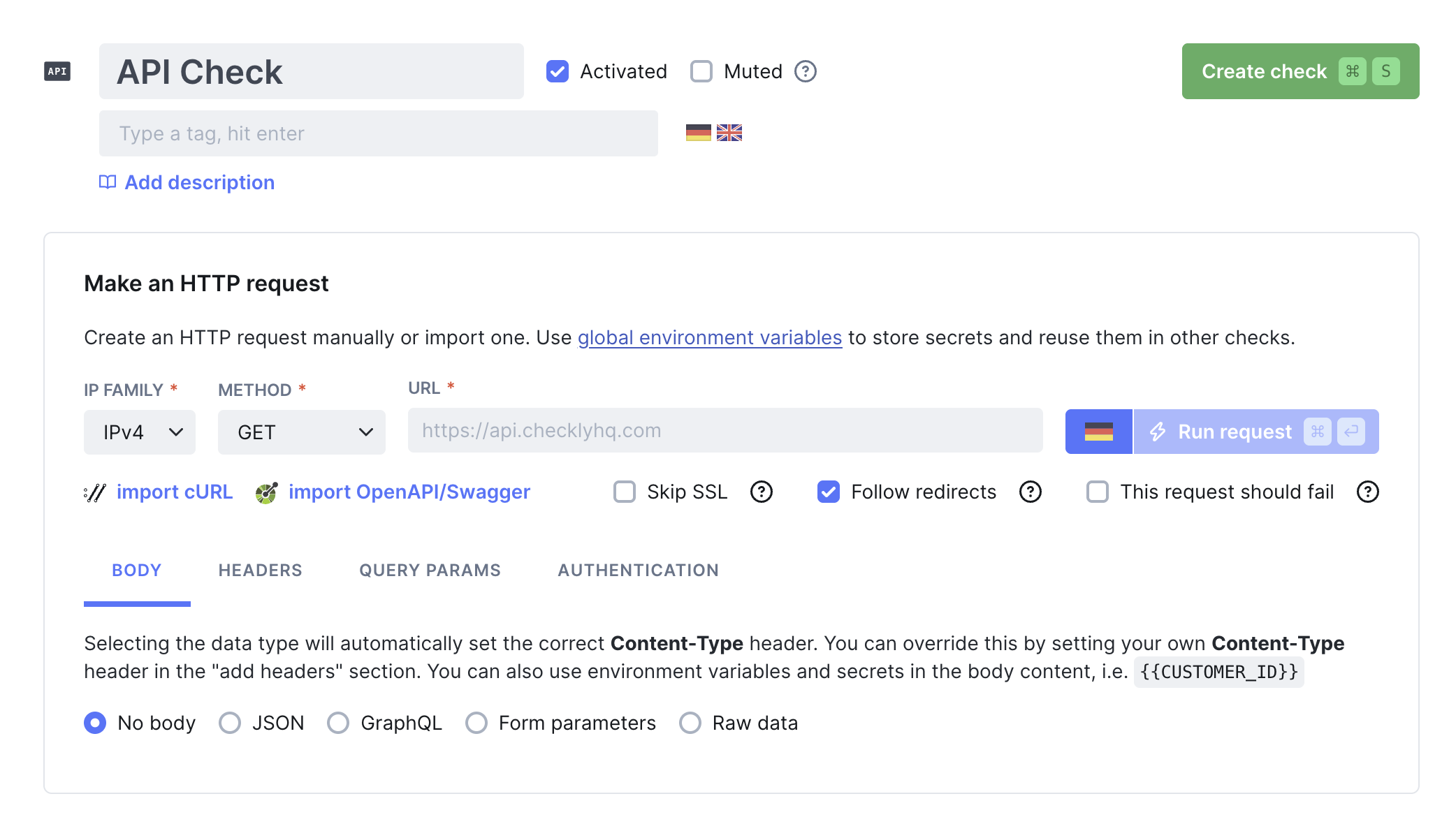
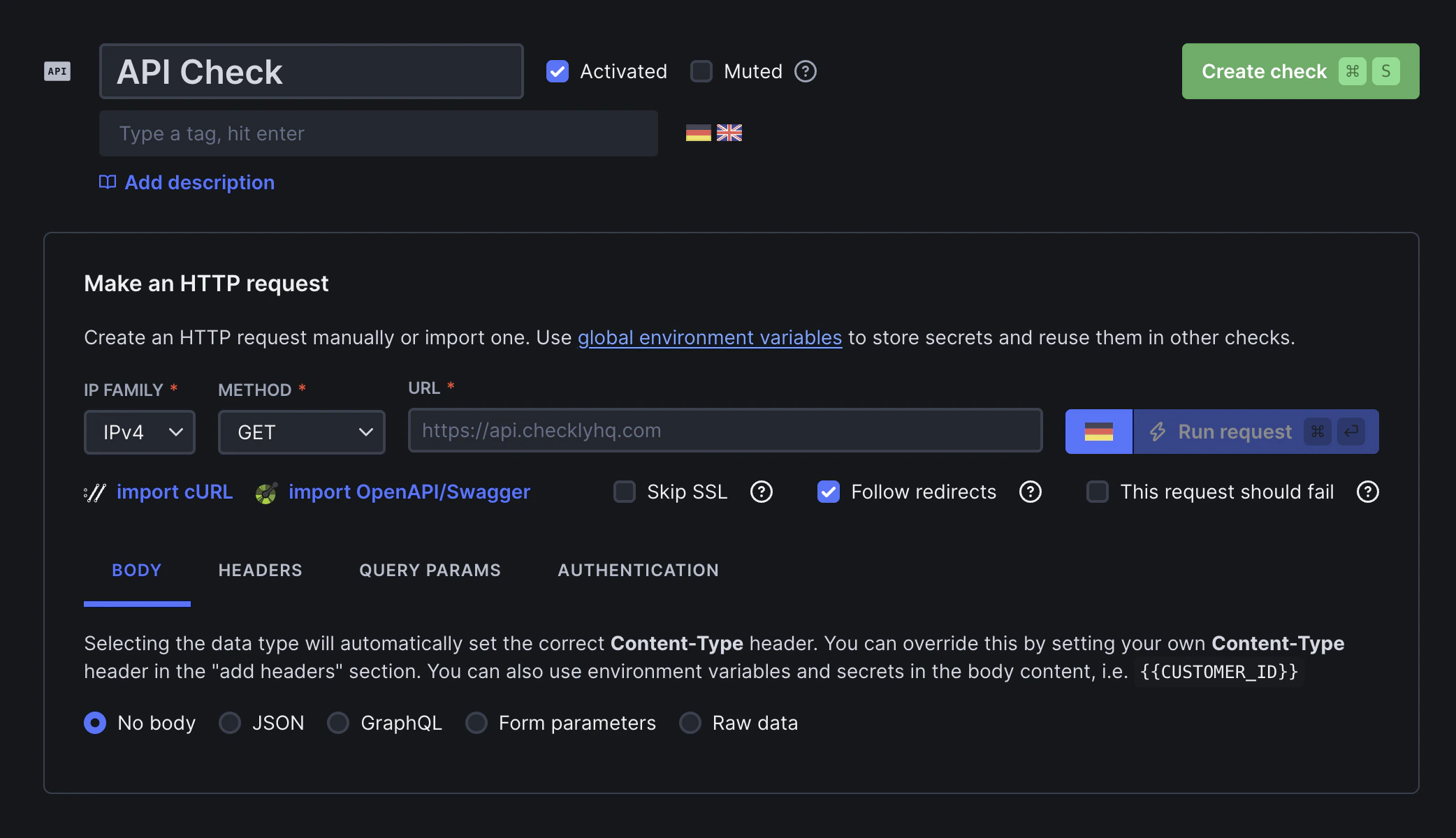
API checks are automated HTTP requests that validate API endpoint functionality by checking status codes, response content, headers, and performance metrics. They simulate real API usage patterns and help catch issues before they impact your users. You can create API checks in the UI, via the API Check Construct or by importing your existing Swagger/OpenAPI spec. API checks are perfect for:- REST API endpoint monitoring
- GraphQL API validation
- Authentication system testing
- Third-party API dependency monitoring
- Payment and transaction APIs
Key capabilities
Key capabilities
- HTTP method support (GET, POST, PUT, DELETE, etc.)
- Request/response validation
- JSON schema validation
- Authentication handling
- Performance measurement
- Global monitoring locations
If you are looking to monitor complex API flows or data processing, you might want to consider using Multistep Checks.
How API Checks Work
API checks perform comprehensive endpoint validation:- HTTP Request - Sends configured requests with headers, body, and authentication
- Response Analysis - Captures status codes, headers, body content, and timing
- Validation - Runs assertions against response data and performance metrics
- Performance Tracking - Measures response times and identifies trends
- Alert Generation - Notifies teams when endpoints fail or degrade
API Check Results
API check results will expose key performance and correctness data about the HTTP response received from the target endpoint.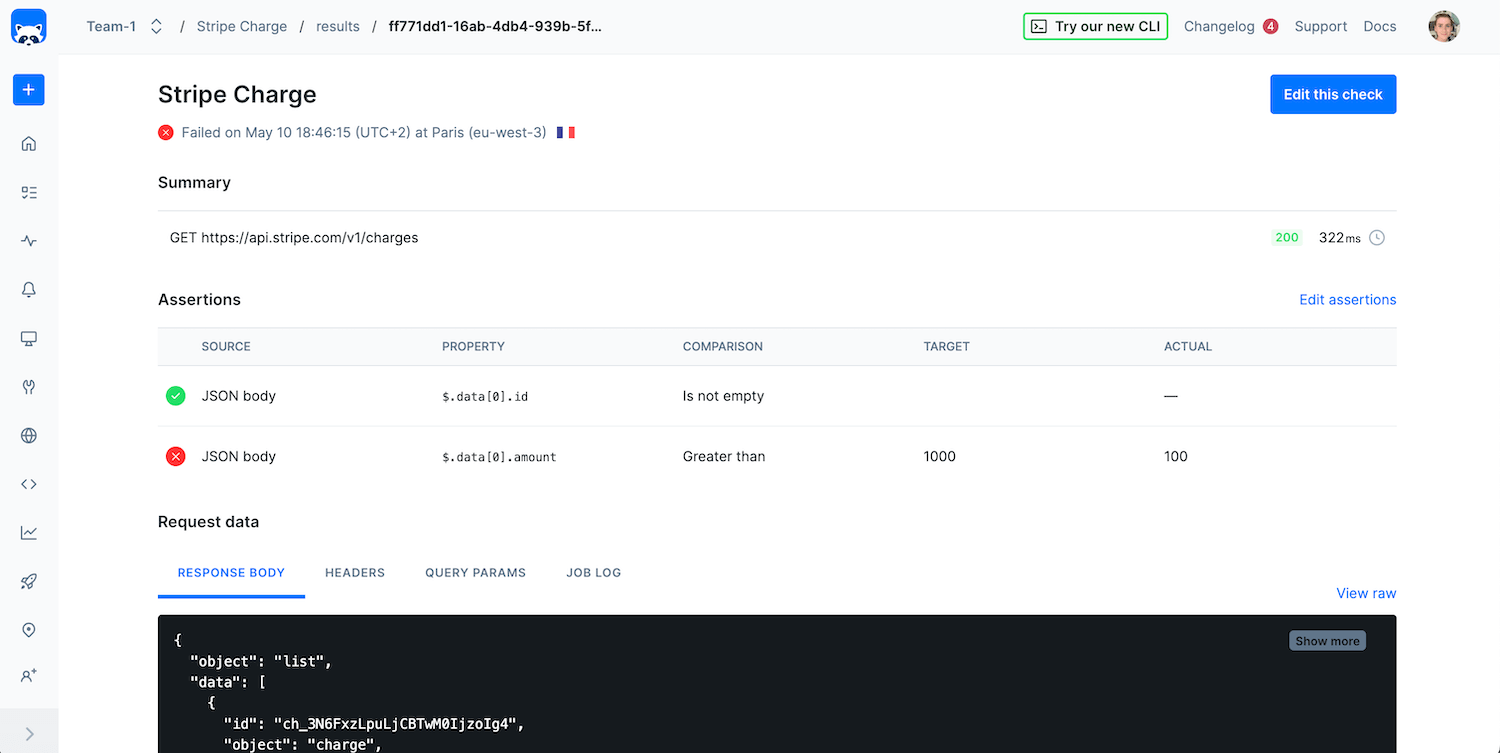
- The request performed
- Any assertions that were included in the check
-
All data related to the request and its response, such as:
- Response body
- Request & response headers
- Query params
- Check job log
-
Timings phases:
dns: Duration of DNS lookuptcp: Duration of TCP connectionfirstByte: Duration of HTTP server responsedownload: Duration of HTTP download