

Documentation Index
Fetch the complete documentation index at: https://checklyhq.com/docs/llms.txt
Use this file to discover all available pages before exploring further.
What is Rocky AI Root Cause Analysis?
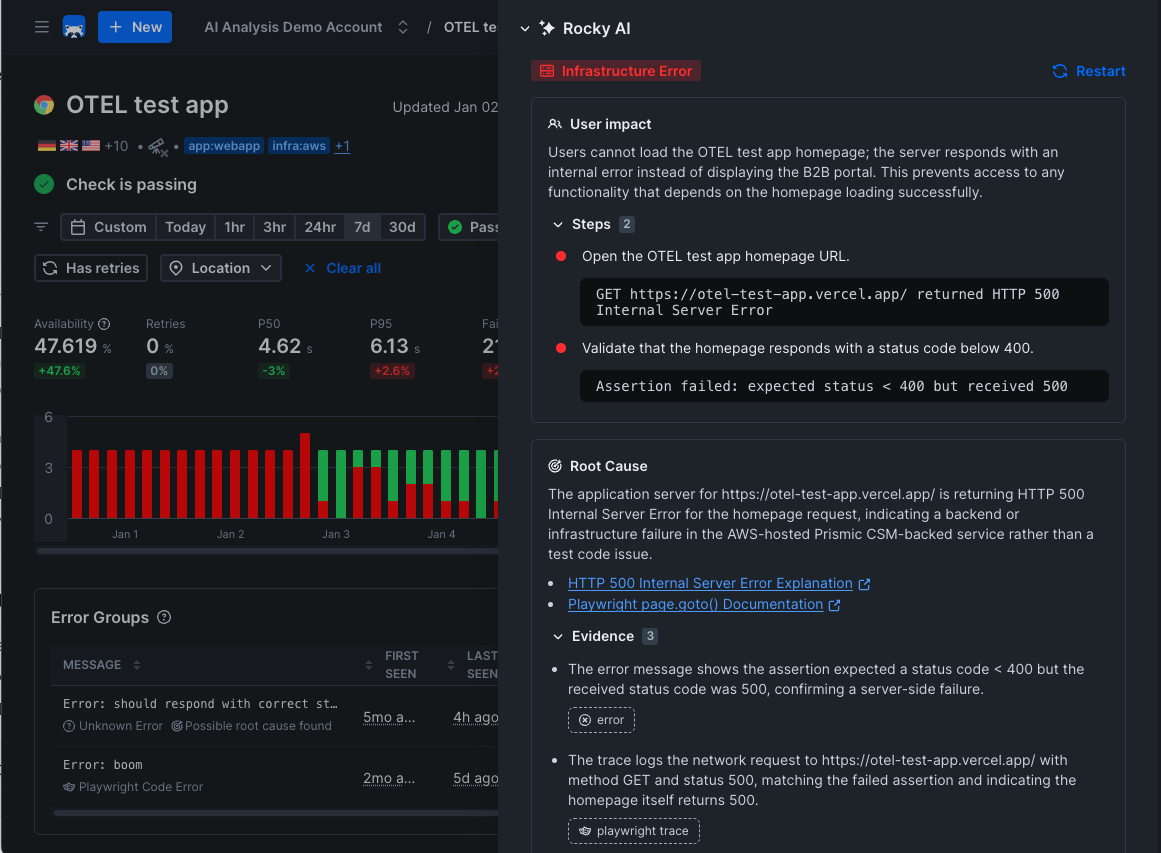
Rocky AI — Checkly’s Agent — can automatically analyze, categorize and summarize any failure or error from one of Checkly’s synthetic checks and / or monitoring checks.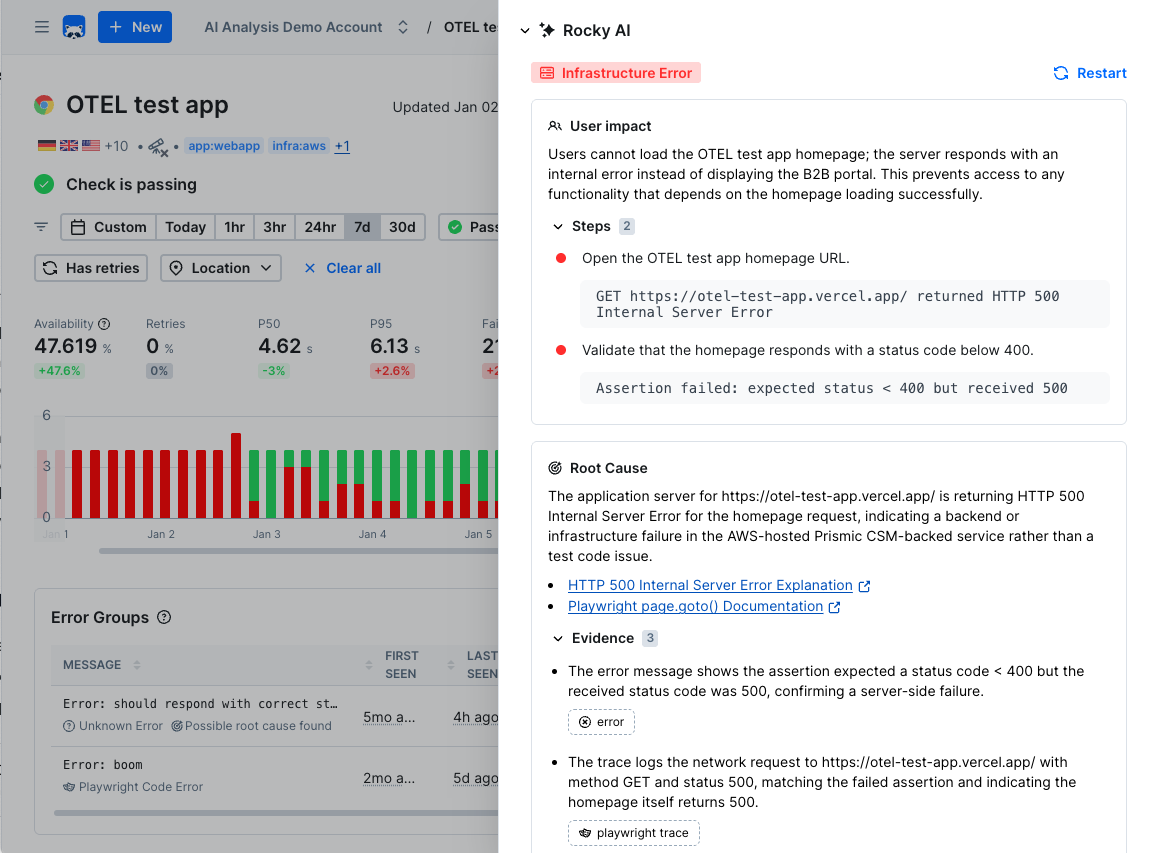
Getting Started with Rocky AI Root Cause Analysis
To use Rocky AI Root Cause Analysis, make sure Rocky AI is enabled on its settings page. Rocky AI Root Cause Analysis is available for all synthetic and monitor check types in both testing and monitoring use cases.
Automatic analysis
When Rocky AI is enabled, it automatically generates a root cause analysis for every new error group. This is on by default — no manual action is needed for new errors to be analyzed. Each automatic analysis counts as one AI invocation against your plan’s invocation quota. If the same analysis is sent to multiple alert channels, it still counts as a single invocation. You can disable automatic analysis in the Rocky AI settings if you prefer to only run analyses manually.When automatic analysis is enabled, AI-generated fields like root cause and user impact are included in your alert notifications.
You can use these fields in custom webhook payloads — see Using AI analysis data in webhooks.
On-demand analysis
Via the UI
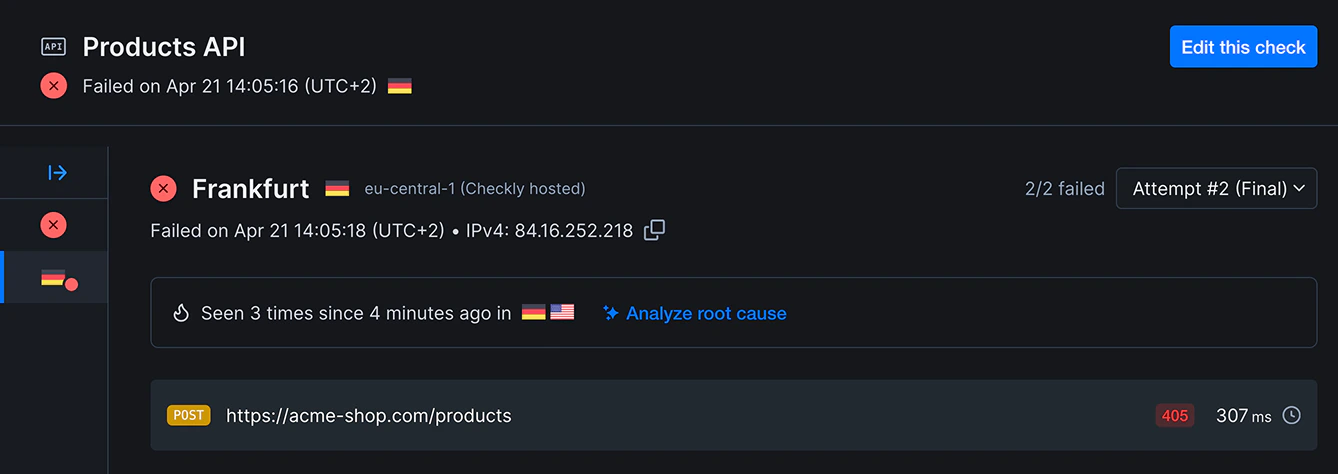
Click the “Analyze root cause” button on any failing check result, test session result and / or error group.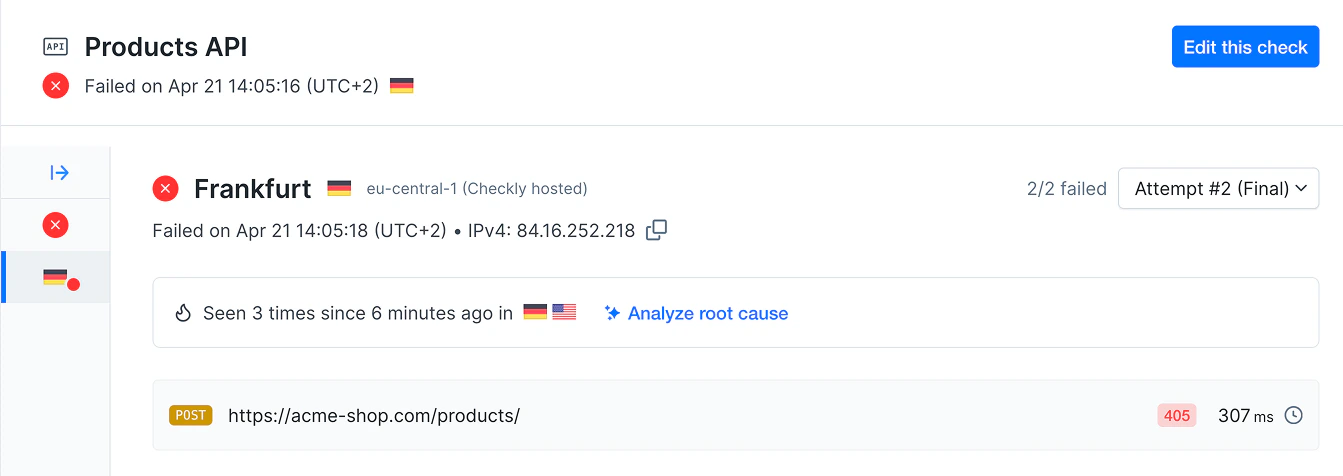
Via the CLI
Usecheckly rca run to trigger a new analysis for an error group.
checkly checks get --error-group or by RCA ID with checkly rca get.
Key Capabilities
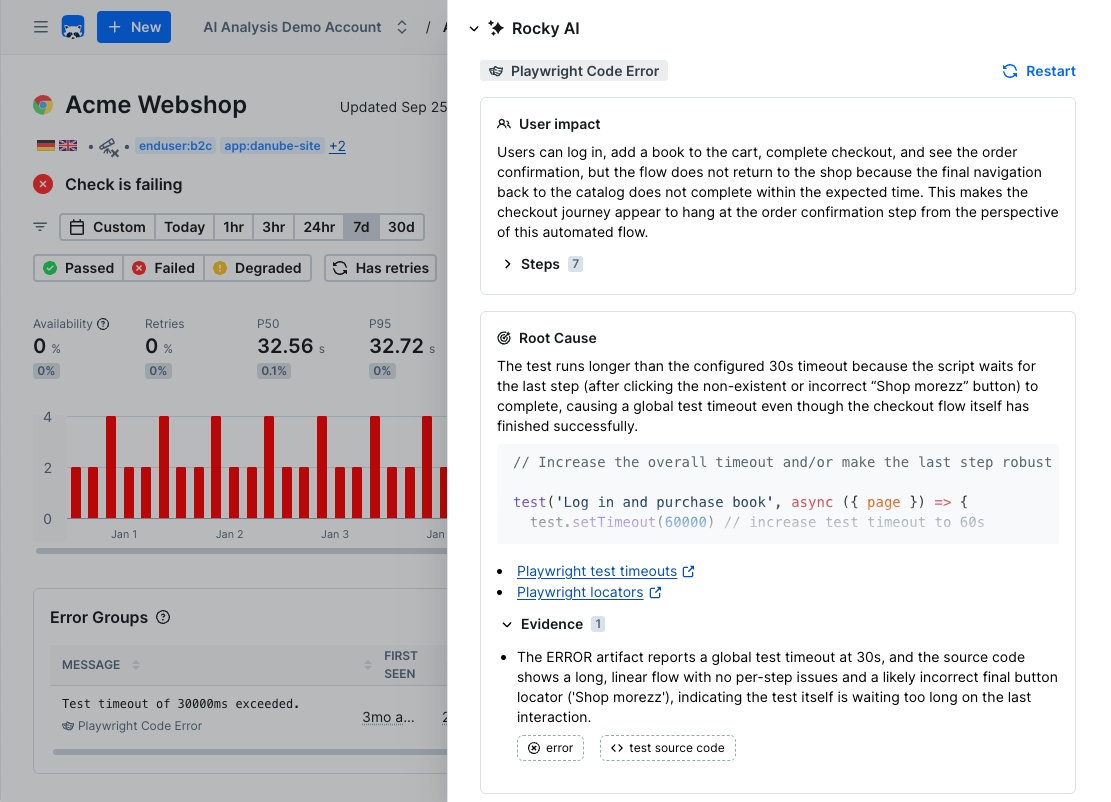
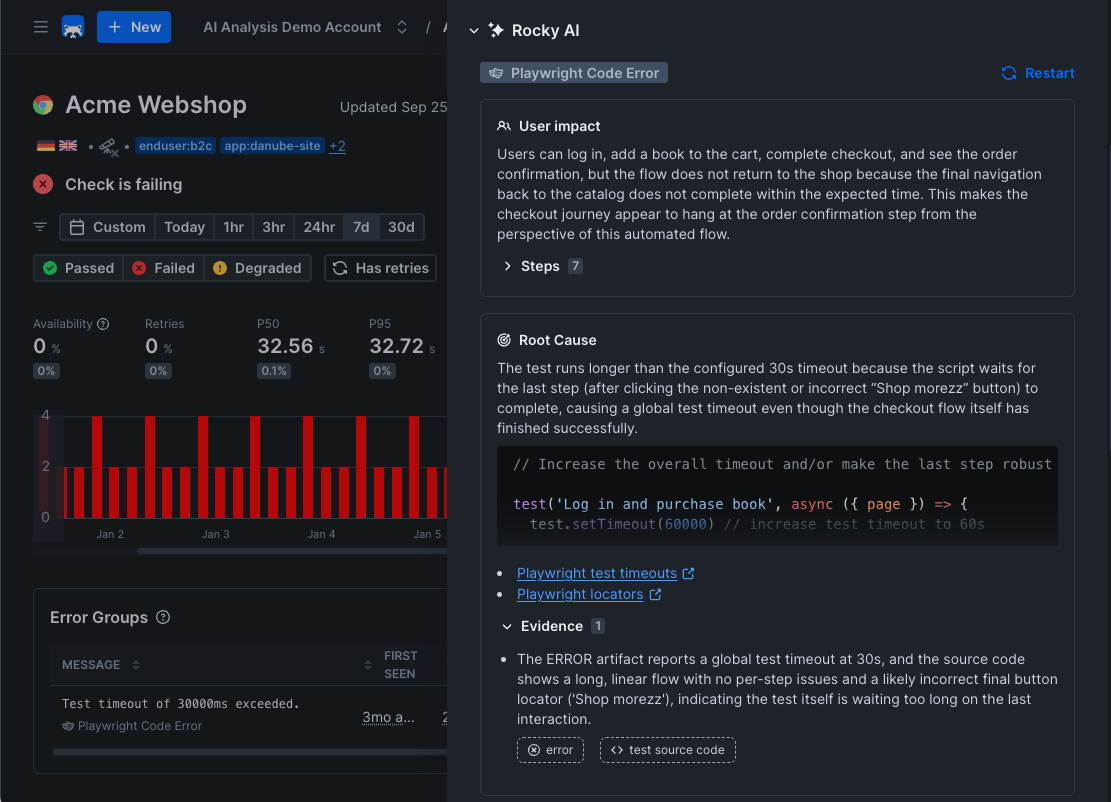
- Categorize: Rocky AI determines if an error is of a specific category. For example: is it a typo in your code or is it an infrastructure error?
- End-user impact: Rocky AI analyzes the failure and provides you with a list of impacted user groups and features. The text used is generated by AI and can be enriched with organisation-specific domain knowledge using the Tag description editor the AI settings screen.
- Step summary: Where applicable, Rocky AI summarizes the steps in the check script, making it easier to understand what the check is doing and where it failed. This typically works for any Playwright based check.
- Root cause: Rocky AI analyzes the failure and provides you with a root cause analysis, helping you quickly remediate the issue. It uses any and all available artifacts to come to this analysis and list these artifacts as “evidence”.
Benefits
- Faster Triaging: Determine if it is a typo in a script or an infrastructure error
- Reduced Manual Work: Automate routine analysis tasks
- Better Understanding: Gain deeper insights into system behavior
- Proactive Management: Identify issues before they become problems
For more information on AI, security and data privacy see the general Rocky AI page