Website monitoring from 22+ locations
Your site is up. Is it fast in Mumbai?
Checkly measures your website from 22+ locations around the world: availability, response time by phase, and whether the page actually works once it loads. A slow region shows up as a degraded alert, not as a global average that looks fine.
Free plan · 10 monitors · No credit card
- N. Virginiaus-east-1160 ms
- Londoneu-west-2194 ms
- Frankfurteu-central-1216 ms
- São Paulosa-east-1340 ms
- Mumbaiap-south-11,041 ms · degraded
- Tokyoap-northeast-1342 ms
- Sydneyap-southeast-2412 ms
Teams that watch their sites from the outside in with Checkly








“A real advantage that Checkly gives us is that we’re not waiting for our users to report an issue with a product, or waiting on a staff member to file a ticket. Checkly gives us real-time feedback on what is and isn’t working.”
“The site is up” answers one question. Customers ask three.
A green uptime badge can hide a four-second first byte in one region and a checkout button that never enables. Checkly answers all three from the same platform, with the same alerting.
availabilityIs it up, from where it matters
HTTP checks from 22+ locations, as often as every 10 seconds, with SSL expiry, status, and multi-region confirmation before anyone is paged.
response timeIs it slow, and in which phase
DNS, TCP, first byte, and download timing per region, with P50, P95, and P99 trends. A degraded threshold turns a slow region into a signal before it becomes an outage.
real browserDoes it work after it loads
Playwright checks that render the page, click through login and checkout, and fail when the confirmation never appears. A 200 with a broken script error is still a failure.
Alert on slow before you alert on down
Every monitor carries a degraded threshold and a failed threshold. Cross the first and the region goes amber with its own alert; cross the second and on-call is paged. Timing is split into DNS, TCP, first byte, and download so you can see which layer moved, per location, not as one misleading average.
 P50, P95, and P99 response time per location, 30 days or more of history
- Degraded and failed thresholds per monitor, with separate alerting
- Multi-region confirmation and retries so a blip never pages anyone
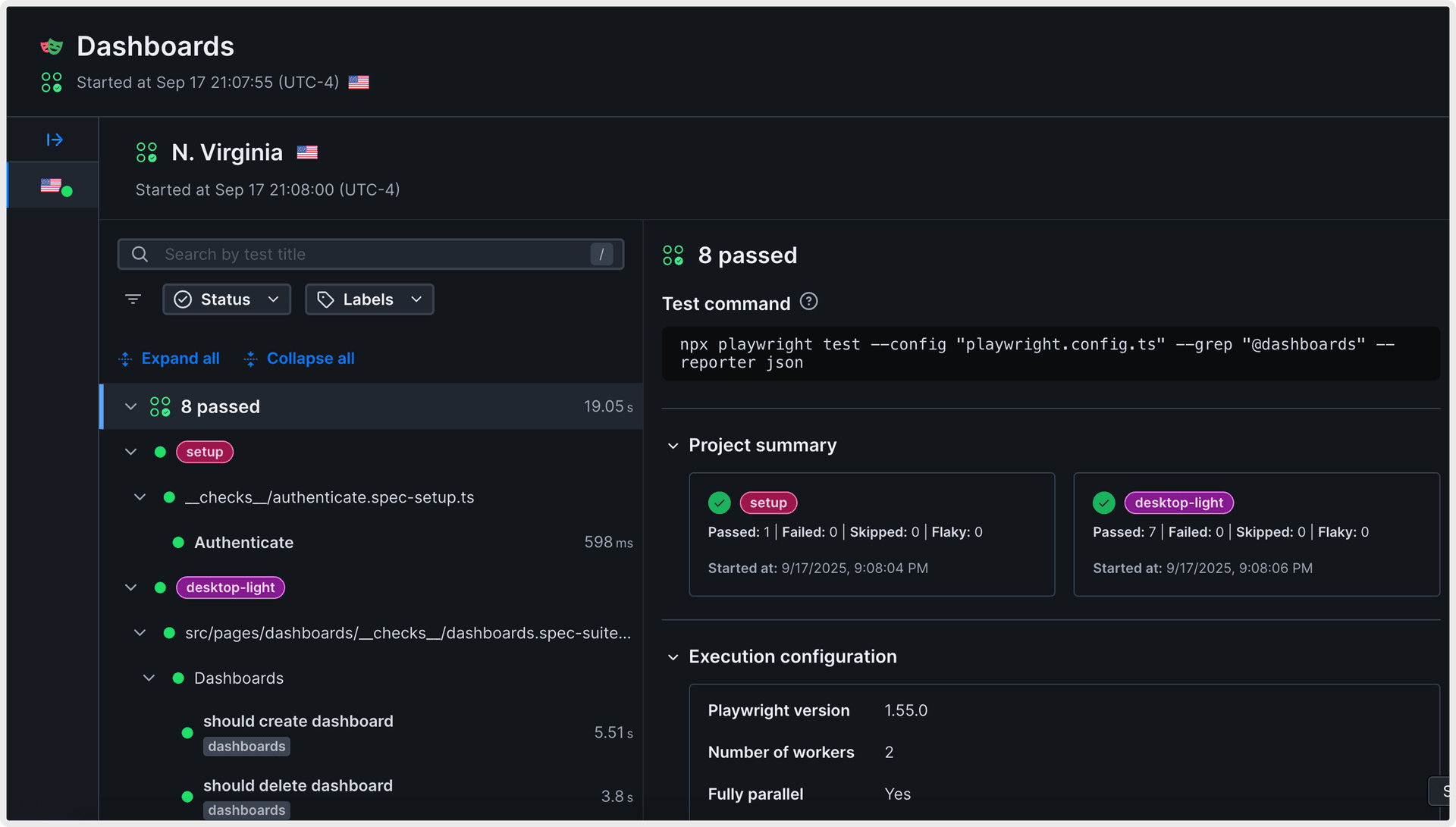
Prove the page works, not just that it loads
A browser check runs Playwright against your live site on a schedule: render the page, log in, search, add to cart, pay. It fails when the confirmation never appears, when a third-party script blocks the button, or when an API behind the page returns garbage with a 200.
- Login, signup, search, and checkout flows in Chromium, Firefox, and WebKit
- Web Vitals and step timings on every run
- Screenshots, video, and the full Playwright trace kept with each failure
Regressions arrive as evidence, not as a ticket
When a check fails, Checkly keeps the timing breakdown, screenshots, network calls, and console logs, then Rocky AI reads them and says what broke and where. The alert reaches Slack, PagerDuty, Opsgenie, Teams, SMS, phone, or any webhook with the evidence attached.
- Root cause and user impact written for the responder
- Per-location results, so a regional CDN or DNS problem is obvious
- Public or private status pages fed by the same monitors
The Buy now button never became clickable. The payments API returned 503 from ap-southeast-2, so the cart never advanced to confirmation. Users in that region could not complete a purchase.
- •
Step timed out on getByRole('button', { name: 'Buy now' }) after 10000ms.
trace - •
POST /api/payments returned 503 Service Unavailable, 4 consecutive runs.
network
“Checkly is incredible: It combines Pingdom, Ghost Inspector and Assertible all in the same app, and the insights are much more detailed.”
See your site the way Sydney sees it
Paste a URL, pick your locations, set a degraded threshold. The next slow region shows up on your screen before it shows up in support.
Free plan includes 10 monitors and 6 locations. No credit card.