


Let your agent do it
Let your agent do it
To run this guide from your terminal or your coding agent, run The steps below are what the agent does, in the open.
npx checkly init in your project first. It installs the Checkly CLI and Checkly Skills for your agent. Then paste the prompt below into Claude Code, Cursor, Codex, or any agent that supports skills. It builds the same setup as this guide, proves it with npx checkly test --record, and stops for your confirmation before npx checkly deploy.Prompt
Write the runbook skill
The routine starts with nothing but an alert. A runbook skill in your repository tells Claude what to investigate, which commands to use, and when to stop. Routines clone the repository on every run and load the skills committed to it..claude/skills/checkly-alert-runbook/SKILL.md
Create the Claude Code routine
Routines are in research preview. Check the routine API reference for changes to the endpoint and headers.
-
Prompt: the request body reaches the run as untrusted data in a
routine-fire-payloadblock, so the saved prompt has to tell Claude to act on it.Routine prompt -
Repository: the repository that holds your Checkly project, your application code, and the runbook skill. Claude pushes its work to
claude/-prefixed branches. Pull requests carry your GitHub user. -
Environment: create a dedicated environment for this routine. Add
CHECKLY_API_KEYandCHECKLY_ACCOUNT_IDas environment variables so the Checkly CLI can authenticate. Anyone who uses the environment can read them, so use an API key created for this routine. Set Network access to Custom, allow*.checklyhq.com, and keep the default list of package managers. - Connectors: remove the connectors the runbook doesn’t need. Claude can use every tool of an included connector without asking.
- Trigger: select API and save the routine.
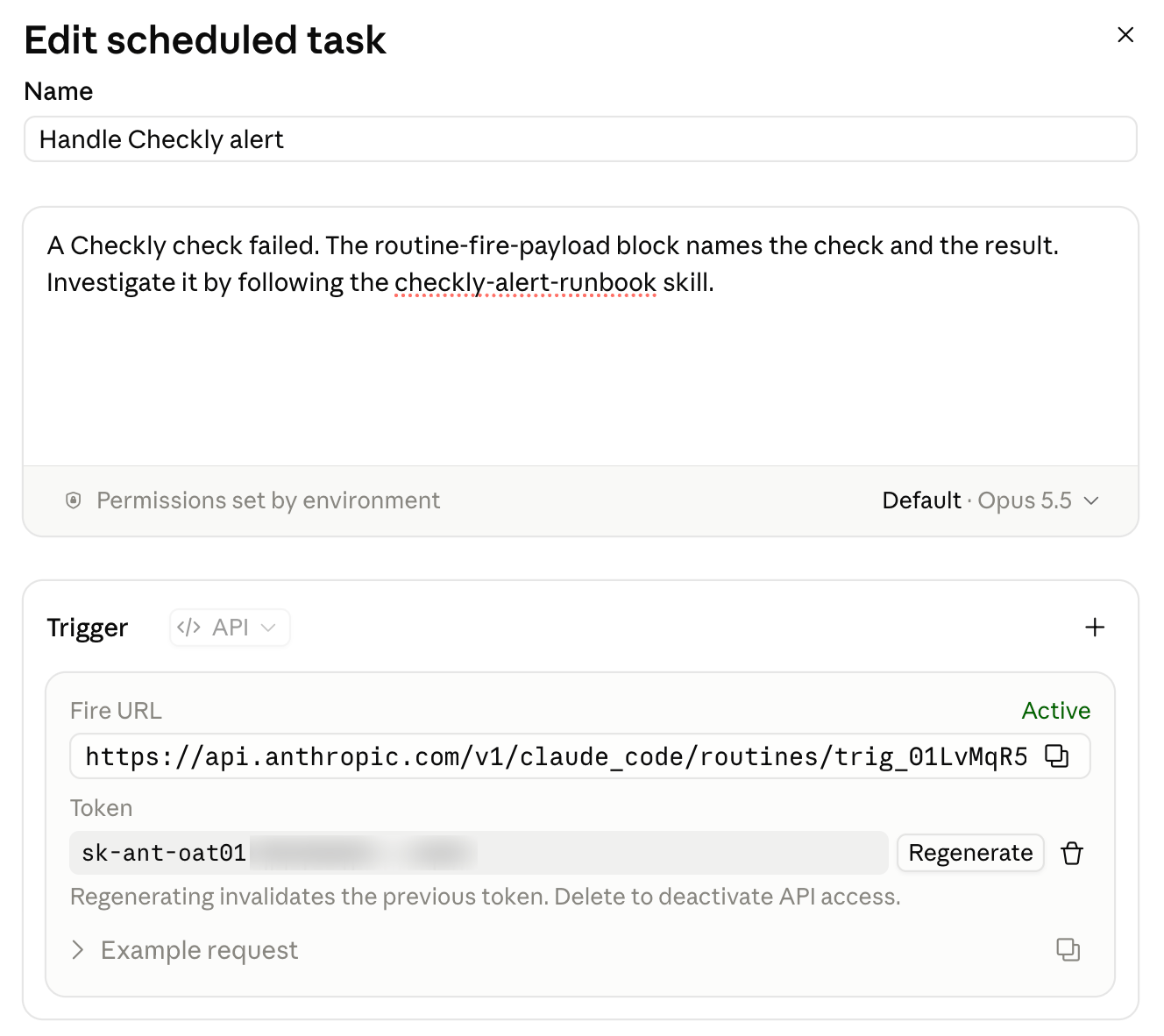
trig_. Store the ID as a Checkly environment variable and the token as a secret, so the alert channel uses both without committing them:
Terminal
Connect checks to the routine
A webhook alert channel calls the routine’s fire URL when a subscribed check fails or degrades. Checkly fills in{{CLAUDE_ROUTINE_ID}} and {{CLAUDE_ROUTINE_TOKEN}} from the variables you just stored.
alert-channels/claude-routine.ts
text field. The payload names the check and the result, and includes Rocky AI’s root cause when automatic analysis is enabled. The runbook fetches everything else with the CLI.
Subscribe only the checks the agent should handle automatically, so a flaky marketing page doesn’t start a run:
login.check.ts
Deploy
Run the project once on Checkly to confirm the constructs are valid, then deploy.Terminal
Verify it works
Send the routine the same request the alert channel sends, filled with a real failed result. Find one with the CLI:Terminal
Terminal
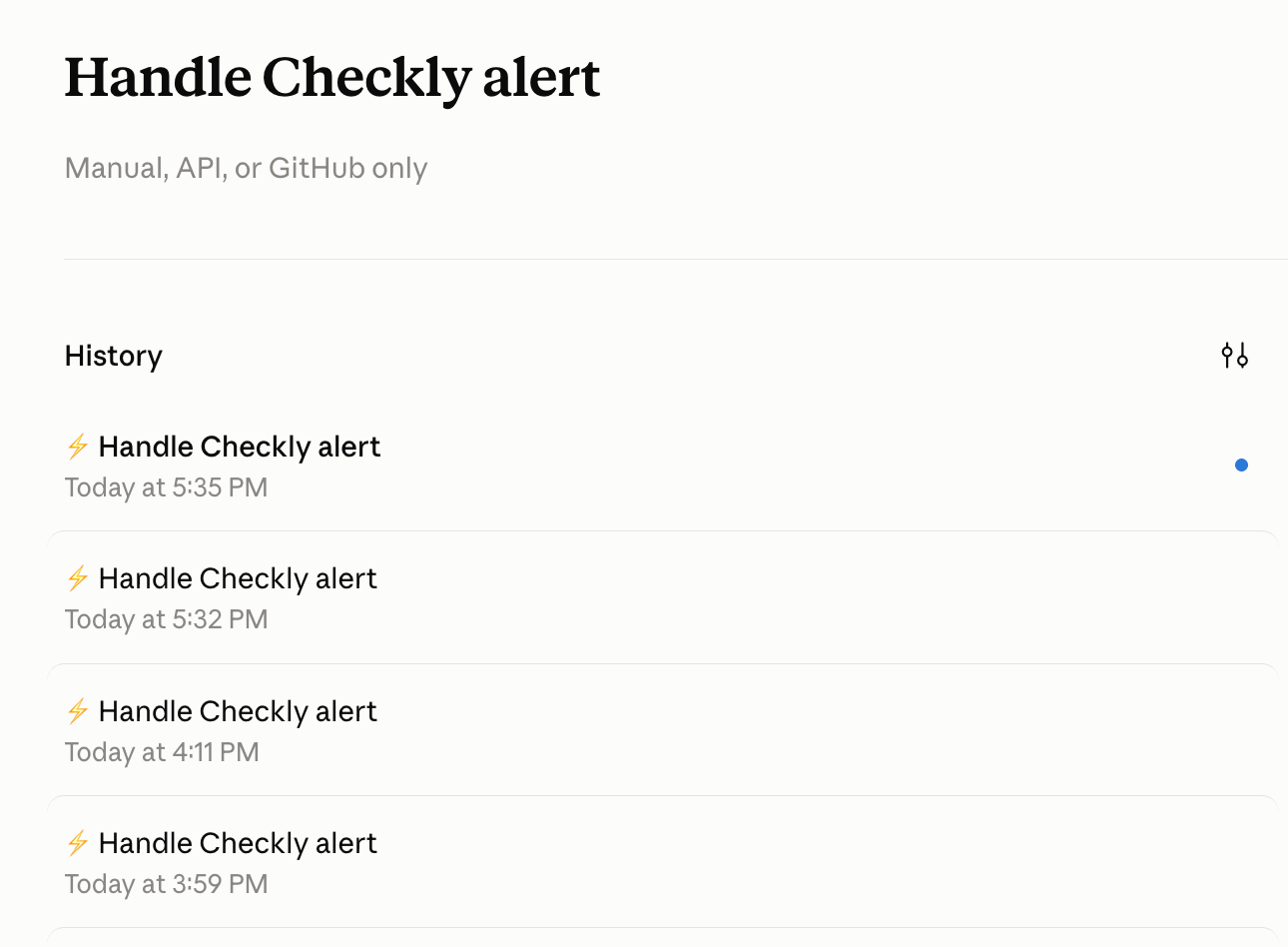
claude_code_session_url. Open it to watch the run load the runbook skill, pull the evidence with the Checkly CLI, and end with a pull request or a summary of why there isn’t one. A green status in the routine’s run list only means the session ran. Read the transcript to confirm what Claude did.
Claude Code routines are one example. The same setup works with any agent or harness, such as OpenClaw or your own, that has access to your code and accepts an HTTP request as its trigger. Point the webhook alert channel at its endpoint, adjust the headers and payload to what it expects, and keep the runbook skill in the repository it works on.