

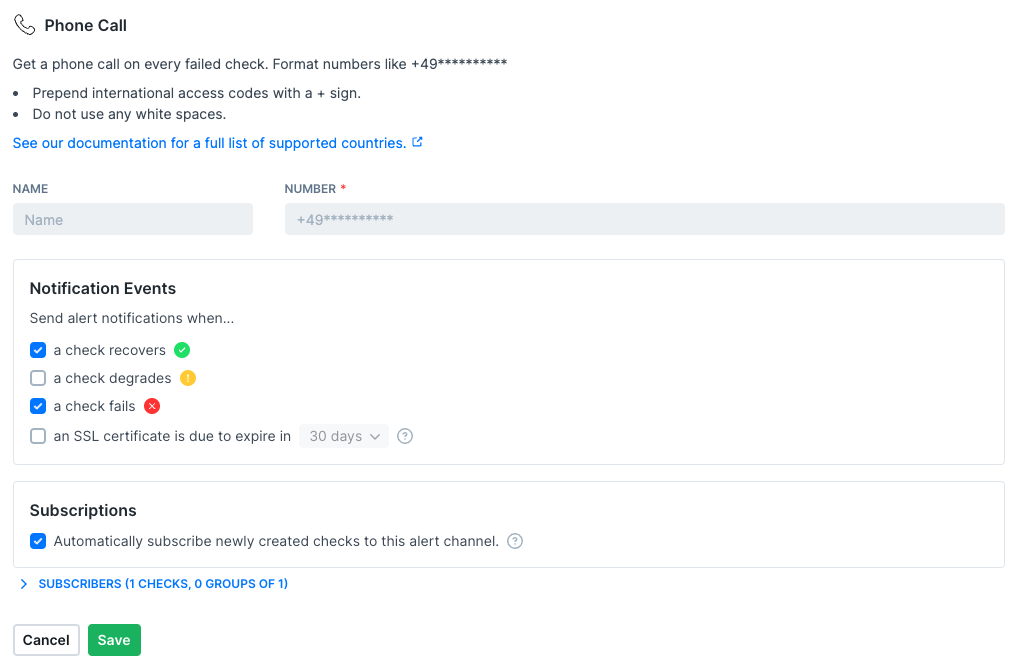
- Prepend international access codes with a + sign
- Do not use any white spaces
- Use up to 15 characters
Calls to this country require a paid plan. Upgrade your plan to use this number.
Supported countries and regions
If your country is not supported feel free to reach out to our support team.
Phone call number and sender ID
Phone call alerts always use the following number: +18142508623. You can save the number as a contact to allow alerts bypassing any do-not-disturb settings.Monthly phone call quota
Each phone call alert that Checkly sends to a channel counts against your account’s monthly phone call quota. All phone call channels in your account share the quota, and it starts again at the beginning of each calendar month. See the Pricing page for the quota of each plan. Test calls don’t count against the quota. When your account has used its quota, or your plan includes no phone calls, Checkly doesn’t send the call. The alert appears in the alert notification log with the delivery status Failed and the notification resultAccount hit the monthly CALL limit.
Accounts on a trial can send only a few test calls a day. The limit resets after 24 hours. When you reach that limit, the Test alert channel button shows how many seconds to wait. On every plan, you can send at most two tests a minute, counted across all alert channel types. A third test within the minute fails with Test rate limit exceeded.
Need more SMS or phone calls? Contact support.
Troubleshooting a missing phone call alert
Open the alert notification log, select your phone call channel and check Show failures only. Select a failed notification to see its notification result:Account hit the monthly CALL limit: your account used its monthly phone call quota, or your plan includes no phone calls. See Monthly phone call quota.Incomplete alert channel config: the channel has no phone number. Edit the channel and add one.Failed to send the Call: the call couldn’t be started through our phone call provider. Check that the number is correct, then select Test alert channel to place a test call. If alerts to a correct number keep failing, contact support.
For limits and other phone call related questions, please refer to our Pricing page.