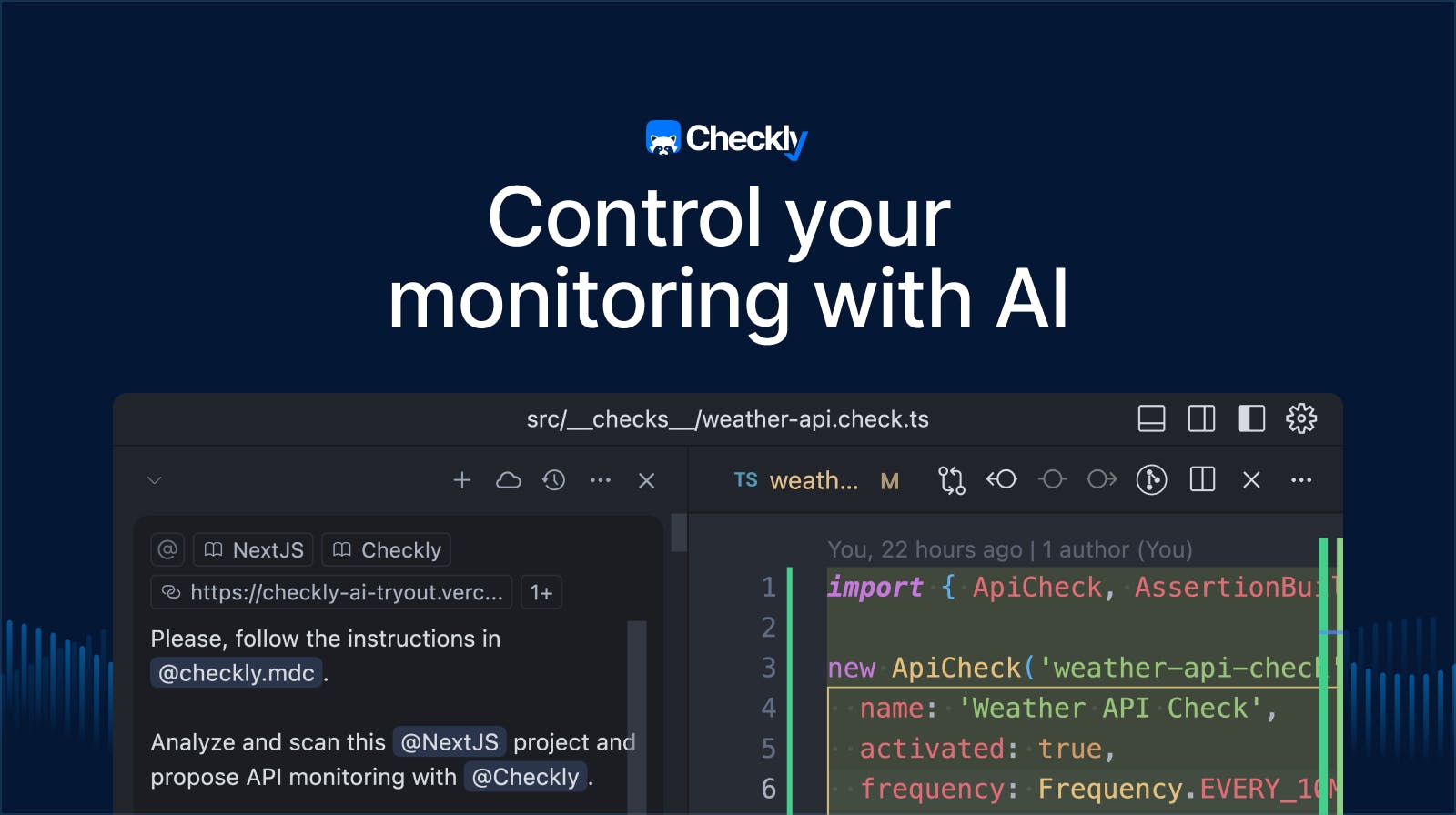
AI coding agents are excellent at writing code. Ask Claude Code, Codex, or Cursor to add a feature, and it just works. At Checkly, we were ready for the new agentic world from the start! Monitoring as Code means your entire monitoring setup lives in your repository. API Checks, Browser Checks, alert channels, status pages; everything is defined in code, managed with the Checkly CLI, and version-controlled like any other part of your stack. Agents can write, review, and ship your monitoring infrastructure!
In 2026, we believe AI agents are our new power users. And when developers ask their agents to set up end-to-end production monitoring, we want agents to generate code that not only runs but also follows best practices.
Today, we're releasing the first agent skill for Checkly, which includes best practices and patterns that teach your AI agent to control your monitoring the way Checkly engineers do.
What are agent skills?
Agent skills are a standardized format for giving AI agents specialized knowledge. Think of them as documentation written for machines. Skills are structured instructions that agents discover and load on demand.
A skill is a directory containing a SKILL.md file with instructions, plus optional reference files for detailed documentation:
monitoring/
├── SKILL.md              # Core instructions (~1K tokens)
└── references/           # Loaded on demand
    ├── api-checks.md
    ├── browser-checks.md
    ├── alert-channels.md
    └── ...
The skill format works with Claude Code, Cursor, Codex, and other agents supporting the standard. Instead of hoping your agent learned the right patterns from training data, you give it explicit instructions to discover and follow.
What's inside the Checkly skill
The new Checkly monitoring skill covers everything you need to control your monitoring setup as code:
| Construct | What it covers |
API Checks | HTTP assertions, authentication, setup scripts |
Browser Checks | Playwright-based E2E monitoring |
Playwright Checks | Multi-browser Playwright test suites for production monitoring |
MultiStep Checks | Complex user flow API monitoring |
Monitors | TCP, URL, DNS, and Heartbeat monitors |
Check Groups | Organizing checks with shared configuration |
Alert Channels | Email, Phone, Slack, and webhook notifications |
Supporting Constructs | Status pages, dashboards, maintenance windows |
Each construct type has its own reference file with examples and documentation links your agent can use directly.
How agents use the skill
When you ask your agent to set up monitoring, it discovers the Checkly skill and loads the relevant context. Need an API Check? It pulls in the API Check reference. Setting up alerts? It loads the alert channel documentation. The agent treats these files as the source of truth rather than improvising and hallucinating forward.
For example, the skill teaches your agent to:
- Follow project conventions: Put checks in
src/__checks__/, use.check.tsfor monitoring construct definitions and.spec.tsfor Playwright code - Configure checks properly: Set appropriate frequencies, choose the right runtime version, and configure locations that make sense for your users
- Set up alerting: Wire up Slack, email, or phone alerts with the right escalation patterns
Token-efficient by design
A year ago, we shipped the checkly.rules.md file that agents could load entirely. This file holds about 4,000 tokens of context, whether you needed it or not. It was a good first step, but the ecosystem has evolved toward more token-efficient approaches to avoid degraded performance and context rot.
The Agent skills format uses progressive disclosure so that agents load only what they need for each task:
| Stage | What is loaded |
Discovery | Skill name and description (~100 tokens) |
Activation | Core Skill.md instructions (~1,000 tokens) |
Specific Tasks | Individual reference files (on demand) |
Your agent starts with consuming ~100 tokens just to know the skill exists. When monitoring becomes relevant, it loads ~1,000 tokens of core guidance. Detailed references about API Checks, Playwright Check Suites, alert channels, status pages, etc., are only loaded when the agent actually needs them.
| Checkly Rules | Checkly Monitoring Skill |
~4,000 tokens (always) | ~100–1,000 tokens (typical) |
This approach leads to faster responses, lower costs, and context that scales with your monitoring task.
Get started
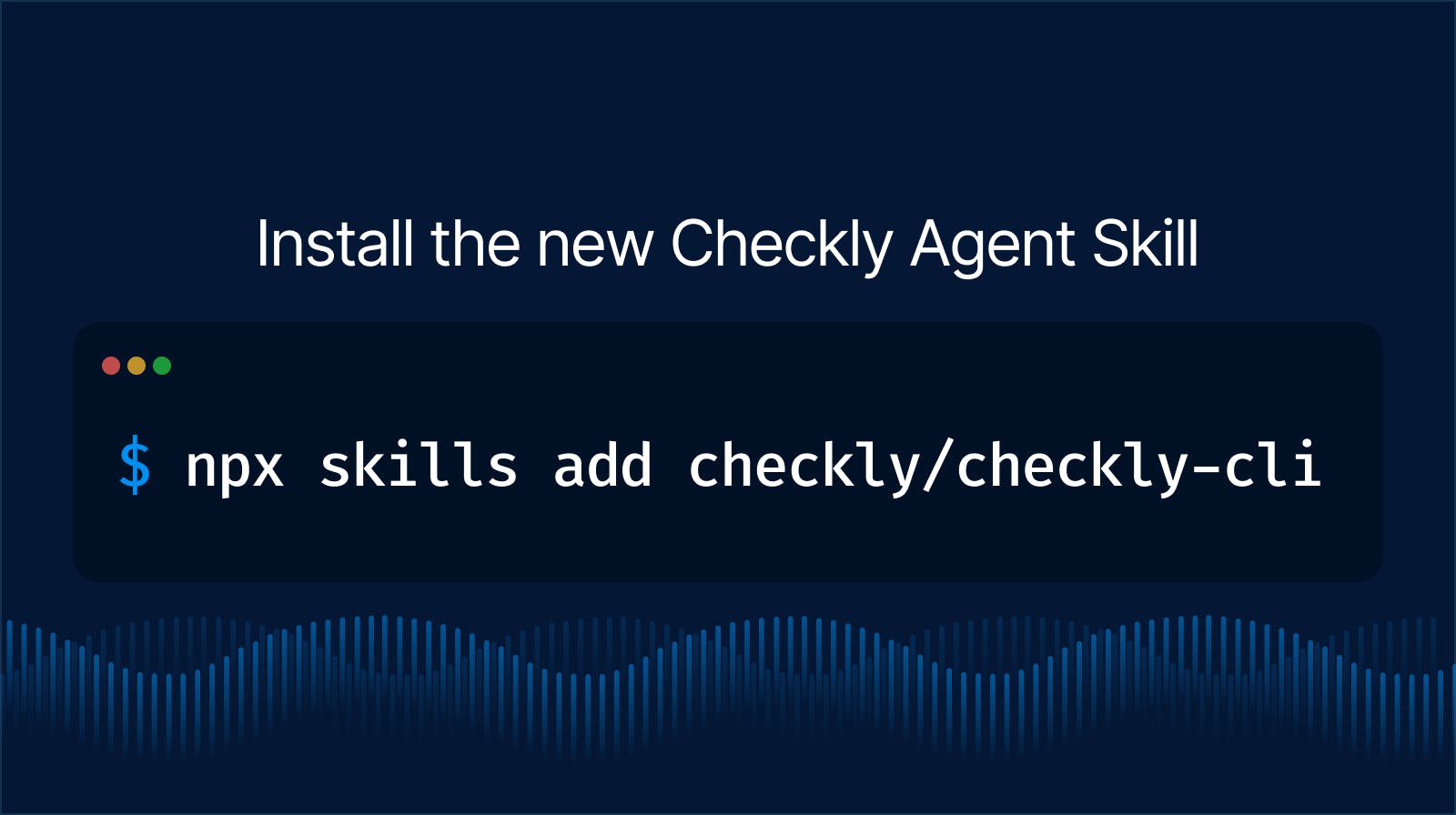
Install the Checkly skills with the Skills CLI:
npx skills add checkly/checkly-cliThat's it. Your agent then has access to Checkly's monitoring patterns and will use them automatically when you work on your monitoring infrastructure.
Try asking your agent to:
- "Set up monitoring for my API endpoints."
- "Configure Slack alerts for Playwright checks."
- "Update the core monitoring locations and add
eu-central-1."
Your agent is now a Checkly monitoring expert!
What's next
The monitoring skill is just the start. We're working on adding more skills:
- Playwright — Best practices for generating reliable, maintainable Playwright end-to-end test code
- Resolution — Patterns for incident analysis, debugging failing checks, and resolving core issues
We're also exploring embedding agent context directly into the Checkly CLI itself. Imagine running npx checkly skills browser-check or npx checkly skills alert-channel to get the exact context your agent needs at the right time. No external installation will be required because we believe CLI tooling should be self-contained and self-documenting for humans and agents alike.
Try it out
The Checkly agent skill is available now. Install it, point your agent at your project, and let it set up production-ready monitoring.
Do you have questions or feedback? Find us on our community Slack.