
A Playwright Check fails at 2 am. The login flow is broken. Until today, that alert triggered a human to get up, open the Checkly dashboard, copy Rocky AI root cause analysis (RCA), and then tell an agent to get to work.
There were two AI agents, one incident, and no way for them to talk to each other.
The extended checkly checks and new checkly rca CLI commands close that gap. Your coding agent can now pull Rocky AI's analysis into its ongoing work, read the diagnosis, and go fix the code. Everything happens in the same session.
There's no poor soul on call required to pass around information.
Meet the two agents
One sees production from the outside. The other sees the code from the inside.
Rocky AI is the one watching your production site. It knows about failed checks, error messages, monitoring scripts, logs, metrics, network waterfalls, packet captures, and Playwright traces. Its entire and only job is to come back with a classification, a plain-English root cause, a user-impact assessment, evidence, and a suggested fix.
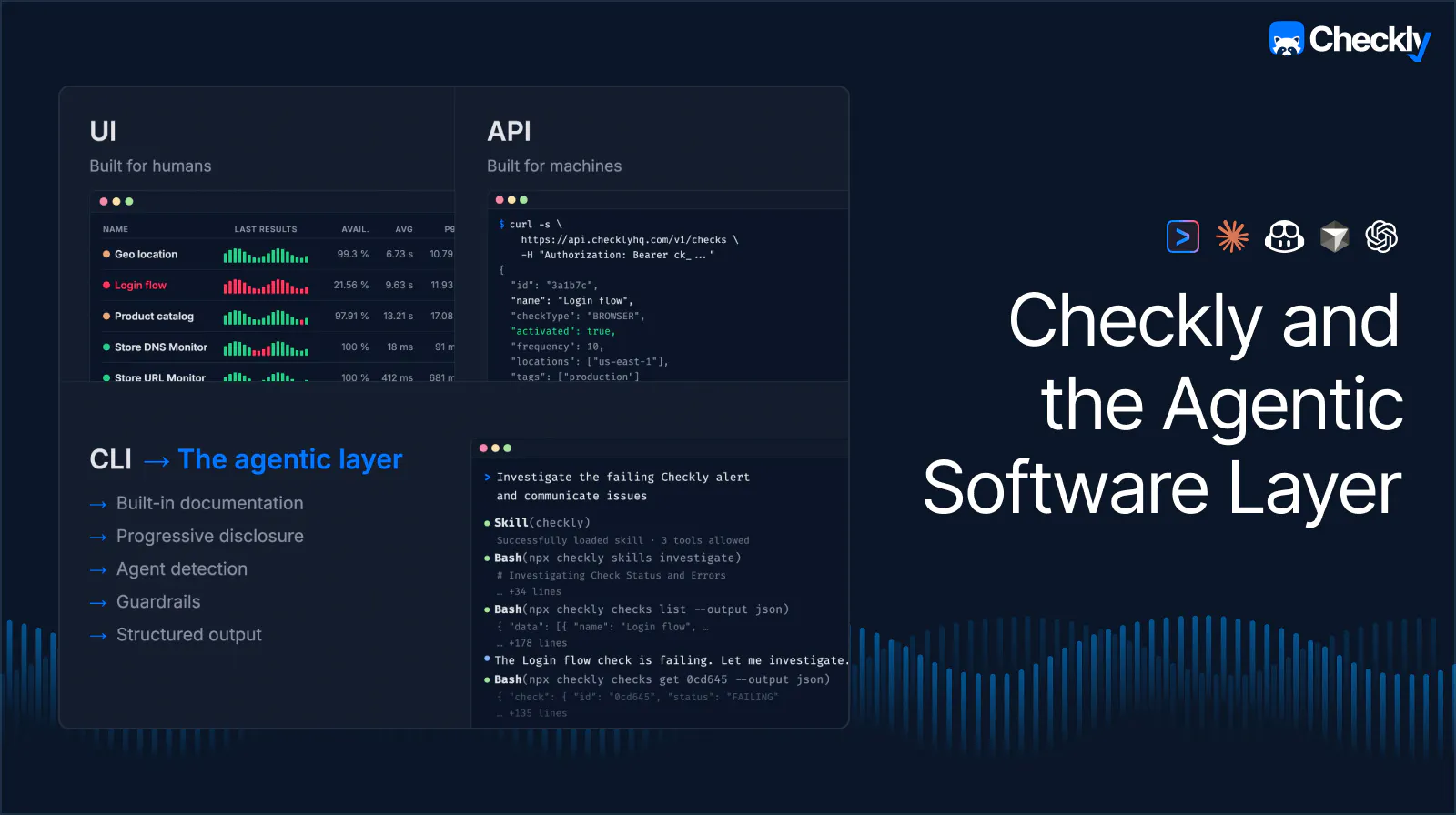
Your coding agent, on the other hand, is the one handling your application. If it uses the agentic layer, it can query databases, tail logs, hit APIs, and poke at your entire infrastructure. It can see production from the inside, the way the code sees it.
What it couldn't reach, until now, was Rocky AI analysis itself. Rocky sits a layer above the raw signals. It's a specialist who's already analyzed everything your monitoring produces into one diagnosis. For your coding agent, that's gold. Your agent skips the evaluation and already knows the kind of bug plus the evidence to reason from. Without Rocky's analysis, your agent has to redo the triage from scratch, which only burns tokens and risks the wrong fix. Especially on production alerts, every minute counts.
Until now, those two agents have never met. Rocky AI analysis stayed inside the Checkly UI. Your coding agent had plenty of reach, except for your alert analysis. This changes now.
Rocky AI analysis, in your terminal
If you have automatic Rocky analysis enabled, the root cause analysis is already embedded in the check result. Your agent doesn't need a new command. checkly checks already returns the results:
# access the failing checks
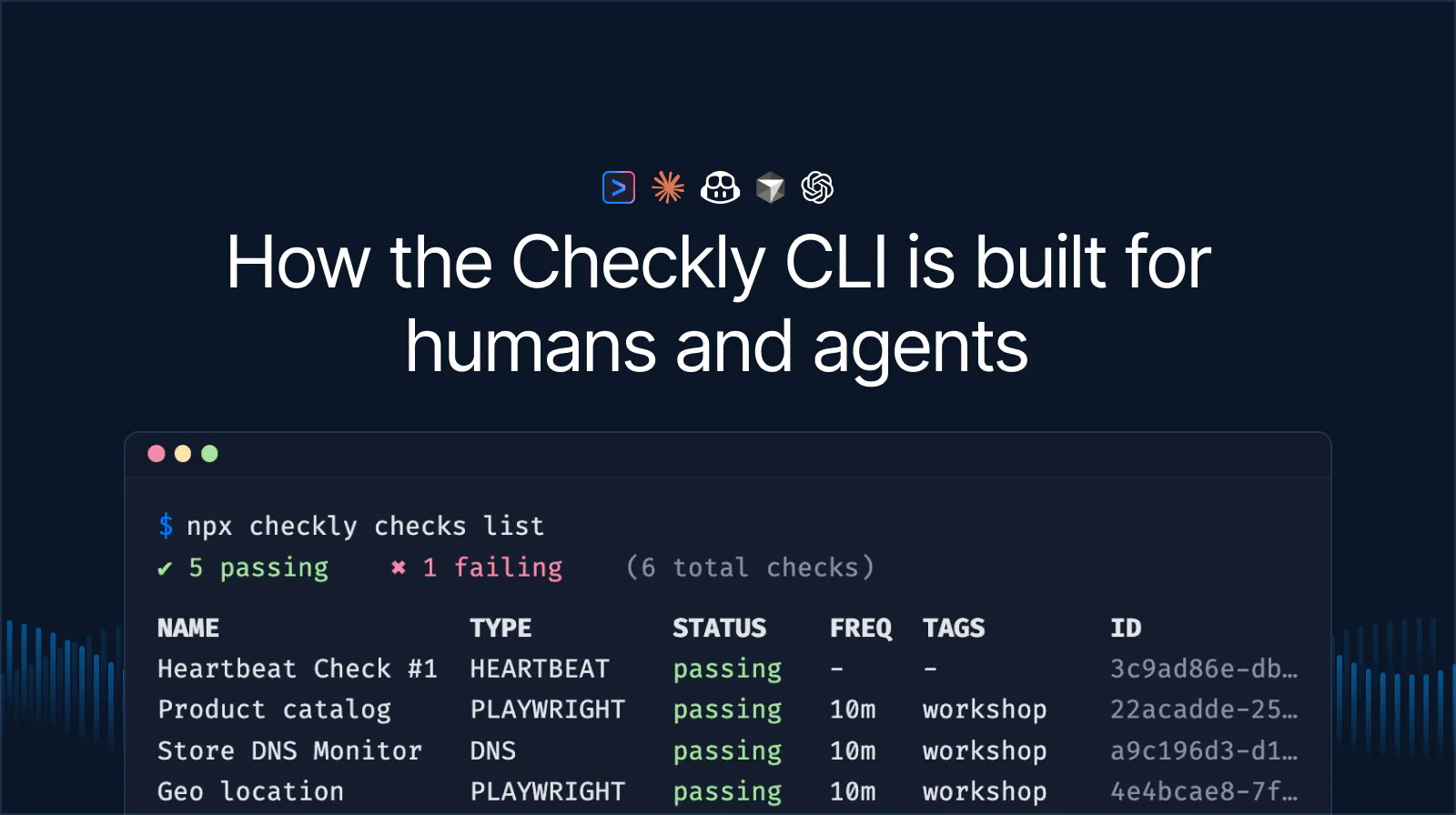
npx checkly checks list --status failing

# access check results
npx checkly checks get <check-id>

# access the root cause analysis for the current error group
npx checkly checks get <check-id> --error-group <group-id>
The error group's output includes the root cause, user impact, cited evidence (HTTP traces, assertions, timings), and reference links. Everything Rocky already checked and analyzed is available for you and your agent.
When should you use checkly rca directly?
There are two cases where you reach for the dedicated rca command:
- You've turned off automatic analysis to control your invocation quota, and you want to trigger RCA only for specific failures.
- You want to analyze a past failure that never got an automatic analysis. It could be a flaky check from last week, a historical outage, anything predating when you enabled Rocky.
# Run a fresh analysis on an error group
npx checkly rca run --error-group <group-id> --watch

# Fetch a previously-triggered analysis by its RCA ID
npx checkly rca get <rca-id> --output json
The rca command supports different output formats: detail(default, human-friendly), md (good for PR descriptions), and json (the one agents love).
Not in the terminal? The same data is in the public API
There are three new endpoints to analyze your failing checks and start new Rocky analyses:
GET /v1/root-cause-analyses/{id}to retrieve an existing root cause analysisPOST /v1/root-cause-analyses/error-groups/{errorGroupId}to generate a new root cause analysis for a check error groupPOST /v1/root-cause-analyses/test-session-error-groups/{testsessionErrorGroupId}to generate a new root cause analysis for a test session error group
From alert to PR — a fast and optimized agent loop
Here's the workflow end-to-end with an agent driving.
An alert is triggered. Rocky has already analyzed what's going on. It pulled the evidence, classified the failure, and wrote up the root cause. You hand it over to your agent, telling it only that "something's off".
From there, your agent already knows which commands to reach for. The Checkly skill taught it the playbook. It finds the failing check, accesses the analysis, and gets to work — pointed at the right surface, whether the fix lands in the check config, the production code, or infrastructure. The investigation is already done. Less guessing, quicker resolution.
See the full loop in motion. Stefan demos the end-to-end agentic workflow, from generating checks with coding agents to resolving incidents with Rocky AI, on the agentic workflow webinar.
Get started
Install or upgrade to the latest Checkly CLI:
npm install checkly@latest Install the Checkly skills so your agent knows which commands to use:
npx checkly skills install Tell your coding agent to investigate a failing check. With automatic analysis on, Rocky AI analysis comes inline:
I've received a Checkly alert. Can you investigate?
And that’s it!
Previously, there were two AI agents, one incident, and a human connecting them.
Now, there's a single prompt. That's the agentic layer in action. Specialized agents work together to resolve production issues as quickly as possible. Isn't this beautiful?