Follow the lifecycle of a
critical outage
Compare how the same outage unfolds with and without Checkly. Scroll to watch time pass and see the difference.
Scroll to watch time pass
Sign In
Back to normal! Customers barely noticed.
Without Checkly
Customer Discovers the Bug
A frustrated customer first encounters the problem and decides to report it to support.
Support Ticket Created In Jira
The support request is read and the agent creates a Jira ticket for the issue. Meanwhile, more users are affected and social media complaints start appearing.
Ticket Sits in Queue
The ticket waits for triage while the support team handles other requests. No one knows the severity yet.
Incident Finally Filed
Support escalates to engineering. An incident is created, but the damage to customer trust is already done.
Manual Status Page Update
Someone remembers to update the status page. Customers have been in the dark for hours.
Searching Through Logs
Developer manually searches through Datadog, CloudWatch, and application logs trying to find the root cause.
Guessing at the Fix
Without clear traces, the team tries multiple potential fixes. Each deployment is a roll of the dice.
Issue Finally Resolved
After hours of downtime, the fix works. Status page manually updated. Post-mortem conclusion: "We need better monitoring."
With Checkly
Network Regression Detected
Uptime monitors on the network layer detect it is no longer returning expected status codes from multiple global locations.
Uptime Monitor Fails
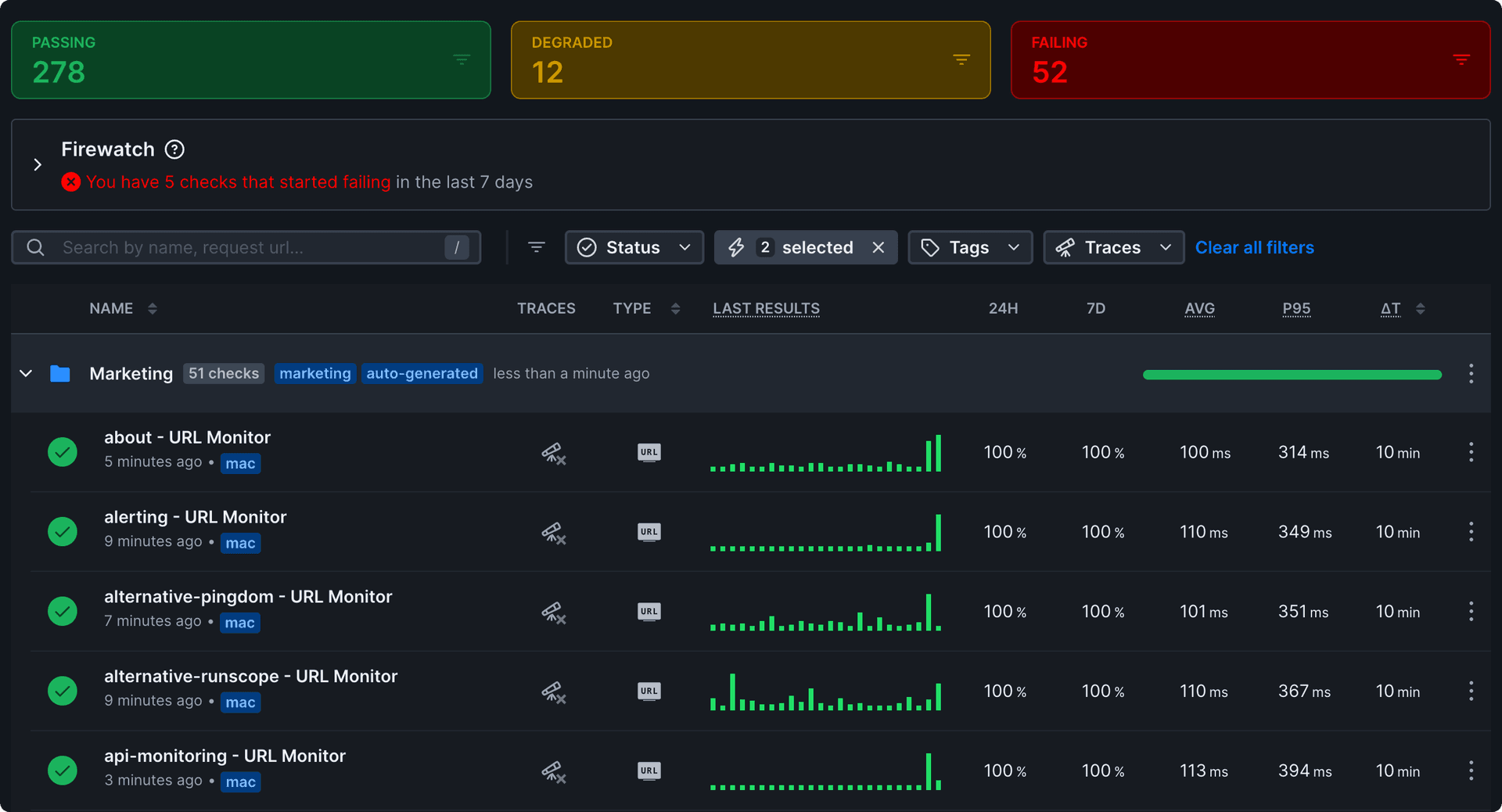
URL monitors of critical pages start to fail and report degraded performance.
Notification Sent to Slack
Intelligent alerting routes the notification to the right team channel with full context: screenshots, traces, and error details.
API Requests Failing
API checks on core workflows that validate response payloads and detect schema violations, authentication failures, or degraded performance start to fail.
Real User Journeys Breaking
Browser checks running real Playwright tests detect that real user flows like login and checkout are failing.
Incident Created In Rootly
An incident is declared and created in Rootly with full context of the outage to kick off the right incident response process.
Status Page Updated
Public status page automatically reflects the incident, keeping customers informed without manual intervention.
AI Analyzes Root Cause
Rocky AI correlates traces, logs, and check results to identify the root cause and suggest fixes with code examples.
Issue Fixed & Communicated
Fix deployed, checks pass, status page auto-updates to "Operational". Full incident timeline captured for post-mortem.
One workflow to own your entire
application reliability.
From the moment an issue occurs to when it's resolved, Checkly provides complete coverage.
Detect
Four layers of monitoring catch issues at every level of your stack.
Communicate
Instant alerts and automatic status updates keep everyone informed.
Resolve
AI-powered analysis accelerates mean time to resolution.
Ready to transform your incident response?
Join thousands of engineering teams who trust Checkly to detect, communicate, and resolve issues faster.